
ERP For Traders And Wholesalers
Manage buying, wholesale stock, customer pricing, invoices and outstanding balances in one Grocom workspace for trading businesses.
Start One Month Free Trial Explore Workspace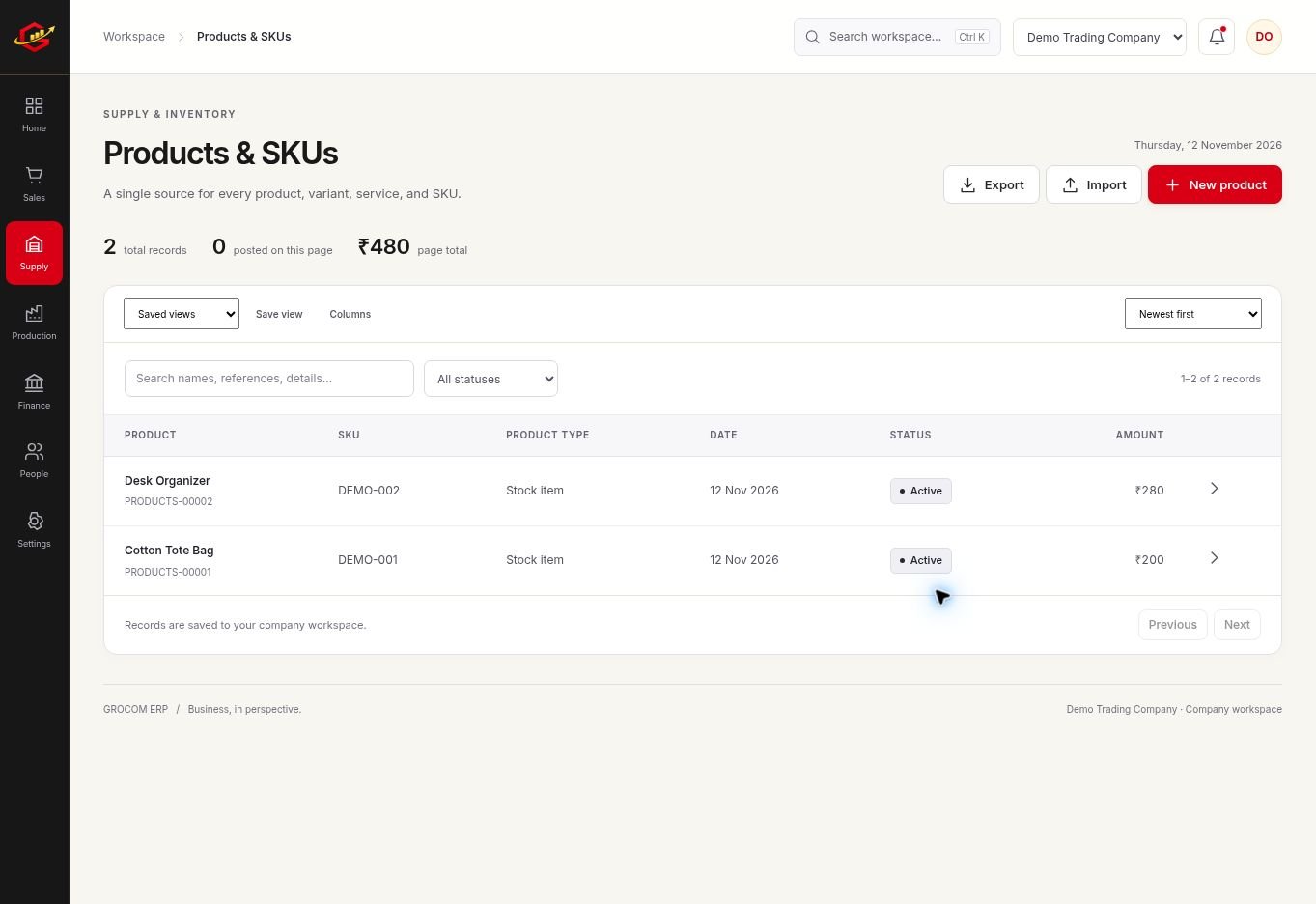
Buying Decisions Start With Stock
Review the product and warehouse records before placing a supplier order. Consistent units and SKUs help a wholesaler compare the quantity ordered, received and available for customer orders.
Keep Commercial Terms Clear
Price lists support customer pricing and quantity-based rates. Confirm the agreed rate, tax settings and payment terms on the actual sales document. A quotation is useful for discussion; the invoice records the billed sale.
Collections Deserve A Routine
Credit sales can increase activity without increasing cash collected. Review customer statements and receipt records regularly so the team knows which invoices still need a payment conversation.
A Practical Workflow
- Set up products, suppliers, customers and warehouses.
- Review stock before creating a supplier order.
- Record customer orders, invoices and dispatch activity.
- Check customer dues and supplier balances every week.
A wholesaler can hold 500 units and still need a purchase if most are already committed to customer orders. Review the relevant order and stock records together before promising a delivery date.
What To Check Before You Start
Verify any special trading requirements during the trial, including units, price rules, imports and invoice layouts. Live marketplace connections are not included.
Explore the workspace previews, review the current plans and activation terms, or contact Grocom support to discuss a requirement. The product FAQs explain imports, access and current integration limits.
Your Questions, Answered
Can I Use Customer Price Lists?
Yes. Grocom includes price list records for customer pricing and quantity-based rates.
Can I Review Customer Dues?
Record receipts and use customer statements to review outstanding balances.
Can I Import Existing Masters?
Supported master records can be imported through validated CSV or Excel templates.