Billing And Inventory For Retail Businesses
Keep retail product details, prices, stock, invoices, returns and payments organised in Grocom’s browser-based workspace.
Start One Month Free Trial Explore Workspace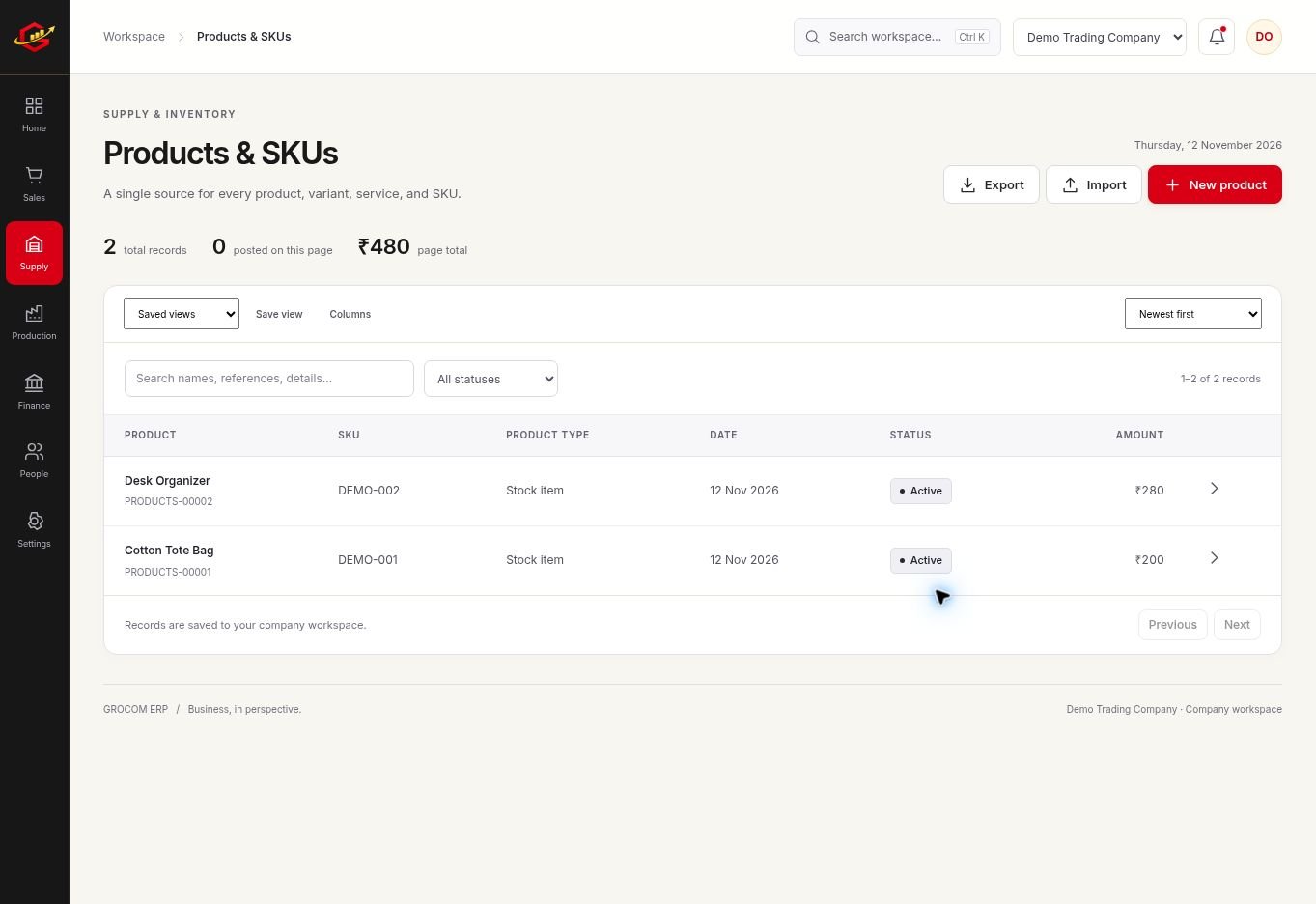
One Consistent Product List
A reliable product master makes daily billing easier. Check the SKU, selling price, unit and tax settings before your team starts recording transactions. Duplicate products can split the apparent stock balance across several records.
Review The Day Beyond Sales
Compare invoices with customer receipts and returns. A daily sales total alone does not explain how much was collected, how much is still due or why physical stock changed.
Count And Correct With A Reason
Regularly count important products and compare the result with the stock report. Investigate an unrecorded purchase, return or sale before entering an adjustment. Keep a reason for any correction.
A Practical Workflow
- Set up retail products and opening stock.
- Test a sale and the required PDF invoice format.
- Record receipts and relevant customer returns.
- Review stock and daily activity before the next trading day.
If the day starts with 40 units, 10 are sold and two are returned to stock, the expected quantity is 32 before other movements. A physical count of 31 needs investigation rather than an unexplained report edit.
What To Check Before You Start
Grocom needs an internet connection. Test checkout speed, printer compatibility and your required billing workflow; do not assume an offline point-of-sale mode or payment-terminal integration.
Explore the workspace previews, review the current plans and activation terms, or contact Grocom support to discuss a requirement. The product FAQs explain imports, access and current integration limits.
Your Questions, Answered
Can I Print Small Invoice Formats?
The billing workflow supports 58 mm and 80 mm PDF formats as well as A4. Test the chosen printer during the trial.
Does It Work Offline?
No. The browser workspace needs an internet connection.
Can I Record Returns?
Sales and purchase return tools connect returned items to the relevant transaction.