
A Small Business ERP Selection Checklist
Choose an ERP by testing a real business workflow, not just comparing feature names. Check documents, stock, accounting, team permissions, data imports, exports, support and the full price.
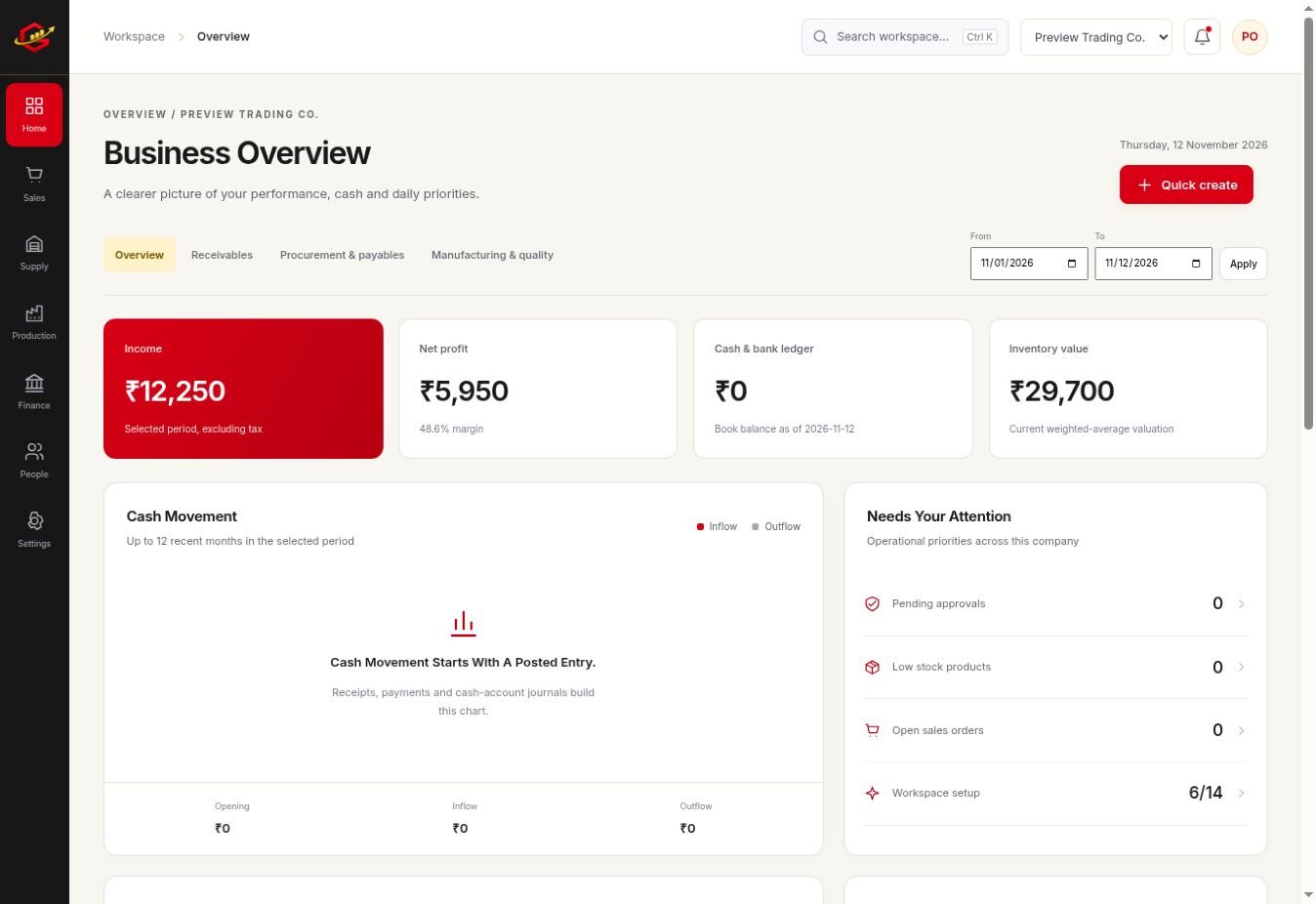
Test The Work You Actually Do
Choose a recent transaction that represents normal work: a supplier purchase, a customer sale and a payment. If production or projects matter, include one real example. Ask the team to complete the steps and note where it needs extra explanation.
Confirm The Important Boundaries
Check internet requirements, required integrations, printing and statutory filing needs. A tax field is not proof of government filing, and a shipment record is not proof of live courier tracking. Ask directly about the capability that matters to your operation.
Review Access And Data Handling
Test what an owner and a restricted team member can see and change. Review import validation and export formats. Keep independent copies of important records and understand how your data remains accessible at the end of a trial or subscription.
Understand Activation And Cost
Grocom’s Standard plan has a regular price of ₹3,999 per year and a limited-period offer of ₹1,999 per year. The trial is one calendar month with no card required. Confirm applicable taxes, payment instructions and any separately quoted customisation with support.
A Practical Workflow
- Write five essential workflows and any required integration.
- Test a complete transaction using realistic sample data.
- Review outputs, permissions, imports and exports.
- Confirm the annual price, support process and activation terms.
A manufacturer may value a correct bill of materials more than an unused sales feature. A service business may care most about approved hours and invoicing. Score the tested workflow against your own requirements rather than a generic ranking.
What To Check Before You Start
Use a trial workspace to test your own records and review the results with the person responsible for your accounts. This guide explains operational choices; statutory requirements depend on your business and should be checked with your adviser.
Explore the workspace previews, review the current plans and activation terms, or contact Grocom support to discuss a requirement. The product FAQs explain imports, access and current integration limits.
Your Questions, Answered
What Happens After Grocom’s Trial?
Existing data remains available to view and export. A valid activation is required to create or change operational records after the trial ends.
Is There An Automatic Card Subscription?
No. Arrange payment with support; after payment verification, you receive a business-specific activation key.
Are Customisations Included In The Standard Price?
Custom work is discussed and quoted separately according to an agreed scope.